Naming is hard. The language we use shapes the way we think about things, but also the conversation we have about them. That’s why we have so much confusion about colors, icons, UI components, and features — and that’s why we struggle to name design tokens, HTML classes, and variables.
Sometimes, the names we choose are too generic, so it’s difficult to understand what exactly is meant. And sometimes they are too specific, leaving little room for flexibility and reuse. How do we choose the right names? And which naming conventions work best? Let’s take a closer look.
How To Name Things
If you’re looking for some inspiration for naming HTML classes, CSS properties, or JavaScript functions, Classnames is a wonderful resource packed with ideas that get you thinking outside the box.
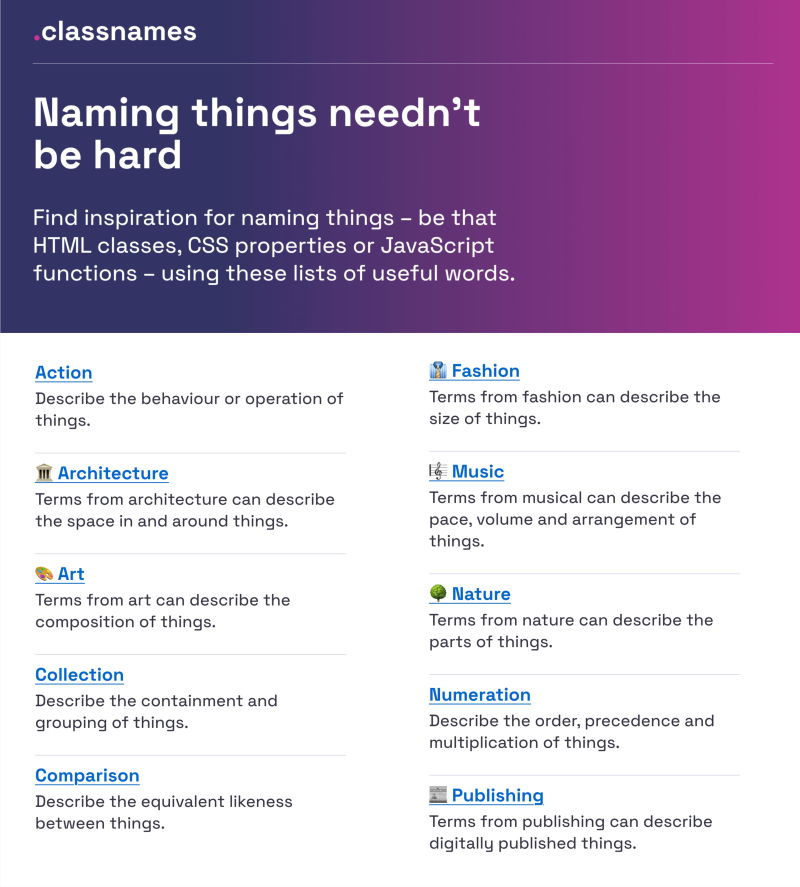
Classnames provides thematically grouped lists of words you can use for naming.
The site provides thematically grouped lists of words perfect for naming. You’ll find terms to describe different kinds of behavior, likeness between things, order, grouping, and association, but also themed collections of words that wouldn’t instantly come to mind when writing code — among them words from nature, art, theater, music, architecture, fashion, and publishing.
How To Name Colors
How would you choose the right name for a given color? Fortunately, David Aerne maintains a tremendous repository of color names, currently with 30,355 unique color names, sourced from various references and thousands of user contributions.
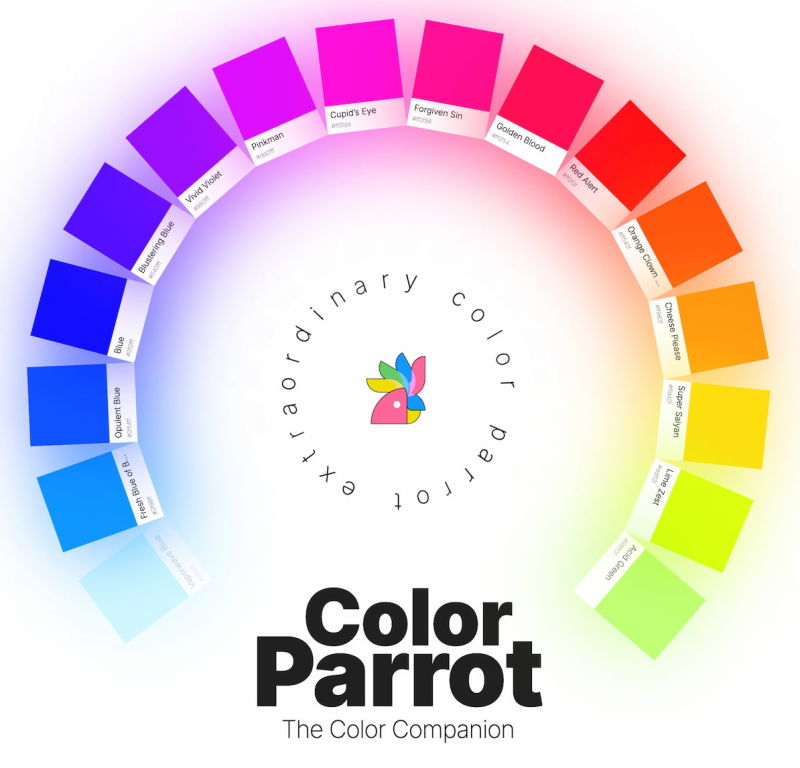
Color Parrot provides a name for a given color, which you can look up by typing a hex value directly into the URL.
The repository comes with a color picker and name search and plenty of other color pickers as well — a fantastic reference to keep nearby.
How To Name Layers and Groups
What makes a good name? Javier Cuello summarized a set of naming best practices that help you name your layers, groups, and components in a consistent and scalable way.
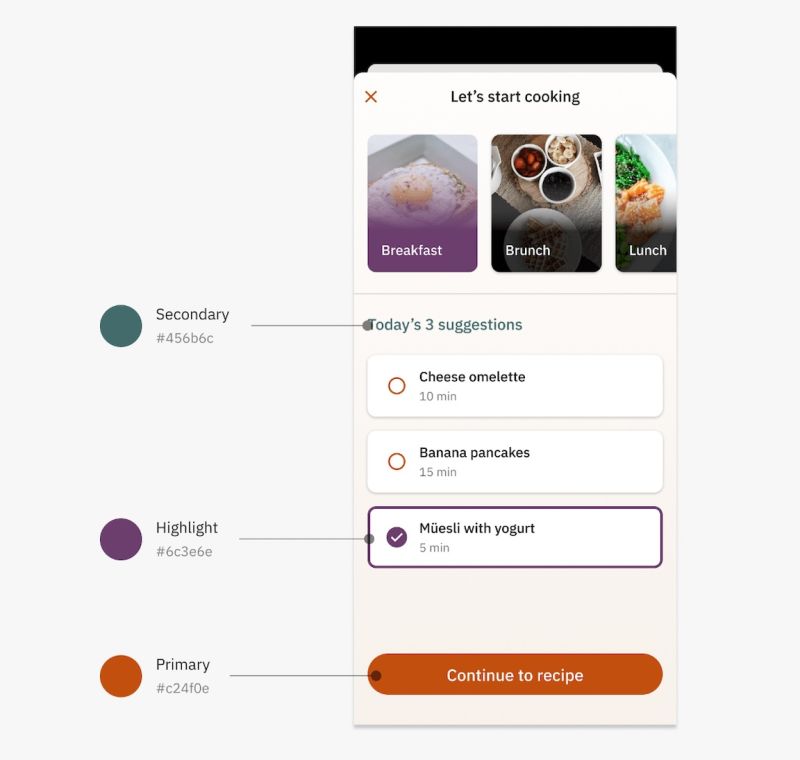
Javier Cuello explores in detail what makes an effective name.
As Javier points out, a good name has a logical structure, is short, meaningful, known by everyone, and not related to visual properties. He shares do’s and don’ts to illustrate how to achieve that and also takes a closer look at all the fine details you need to consider when naming sizes, colors, groups, layers, and components.
How To Name Design Tokens
How do you build a flexible design token taxonomy that works across different products? That was the challenge the team at Intuit faced. The parent company of products such as Mailchimp, QuickBooks, TurboTax, and Mint developed a flexible token system that goes beyond the brand theme to serve as the foundational system for a wide array of products.
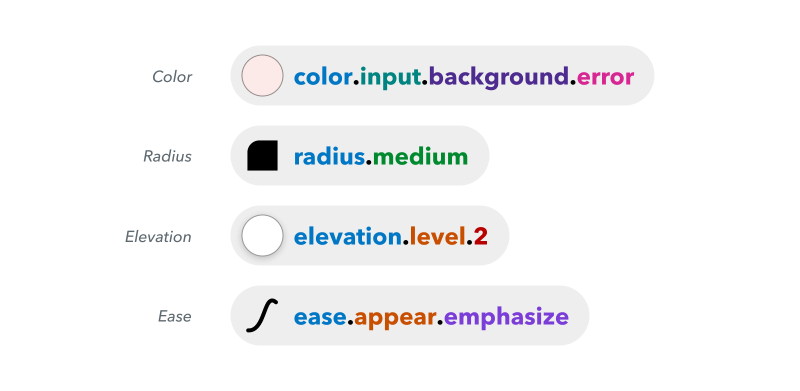
Nate Baldwin shares insights into Intuit’s flexible design token taxonomy.
Nate Baldwin wrote a case study in which he shares valuable insights into the making of Intuit’s design token taxonomy. It dives into the pain points of the old taxonomy system, the criteria they defined for the new system, and how it was created — with plenty of takeaways for building your own robust and flexible token taxonomy.
Frequent Names For UI Components
Looking at what other people call similar things is a great way to start when you’re struggling with naming. And what better source could there be than other design systems? Before you end up in the design system rabbit hole, Iain Bean did the research for you and created the Component Gallery.
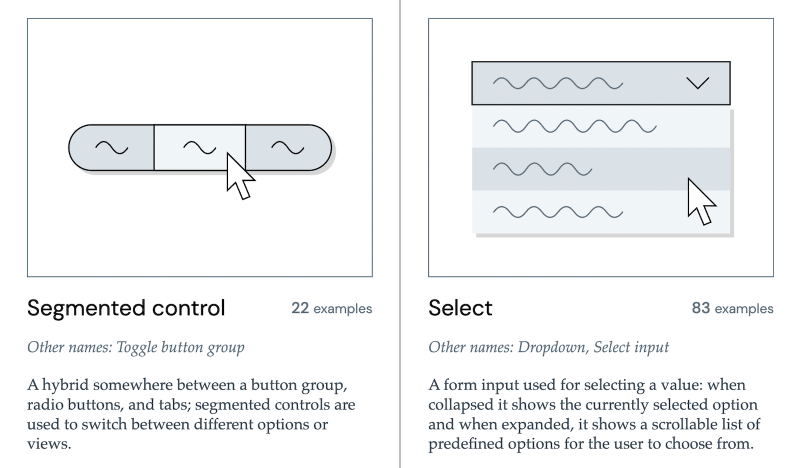
The Component Gallery aggregates component names and examples from dozens of design systems, making it easy to see what naming conventions are most commonly used across the industry.
Whether you’re naming a new component from scratch or auditing an existing system, these resources give you a solid foundation — combining community-sourced vocabulary, real-world case studies, and cross-system comparisons to help you land on names that are clear, consistent, and built to last.